Handwritten notes, PDA style
The pen-computer notepad of the 1990s.
Pixel for pixel on iPhone and iPad, with its own fonts, artwork and sounds. Write in ink, scrub to delete, and keep Names, Dates and To Do in your Contacts and Calendar.
Get it on the App StoreFor iPhone and iPad with iOS 17 or iPadOS 17 or later.
Write the way it worked
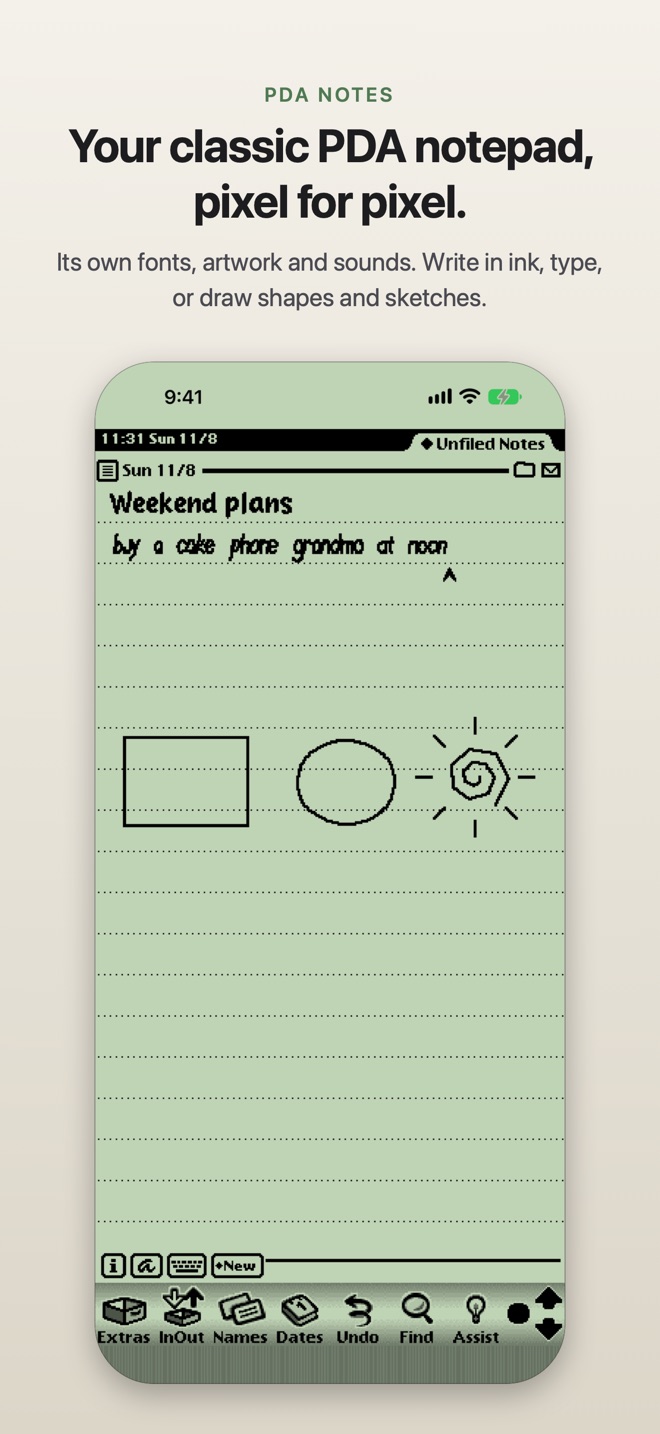
- Write with your finger or a stylus. Choose Text to turn handwriting into typed text on your device, Ink Text to keep your own handwriting as words that wrap like text, Shapes for clean lines, boxes and circles, or Sketches.
- Scrub out anything to delete it, tap and hold to select and drag, draw a line across the page to start a new note, and tap the caret for punctuation.
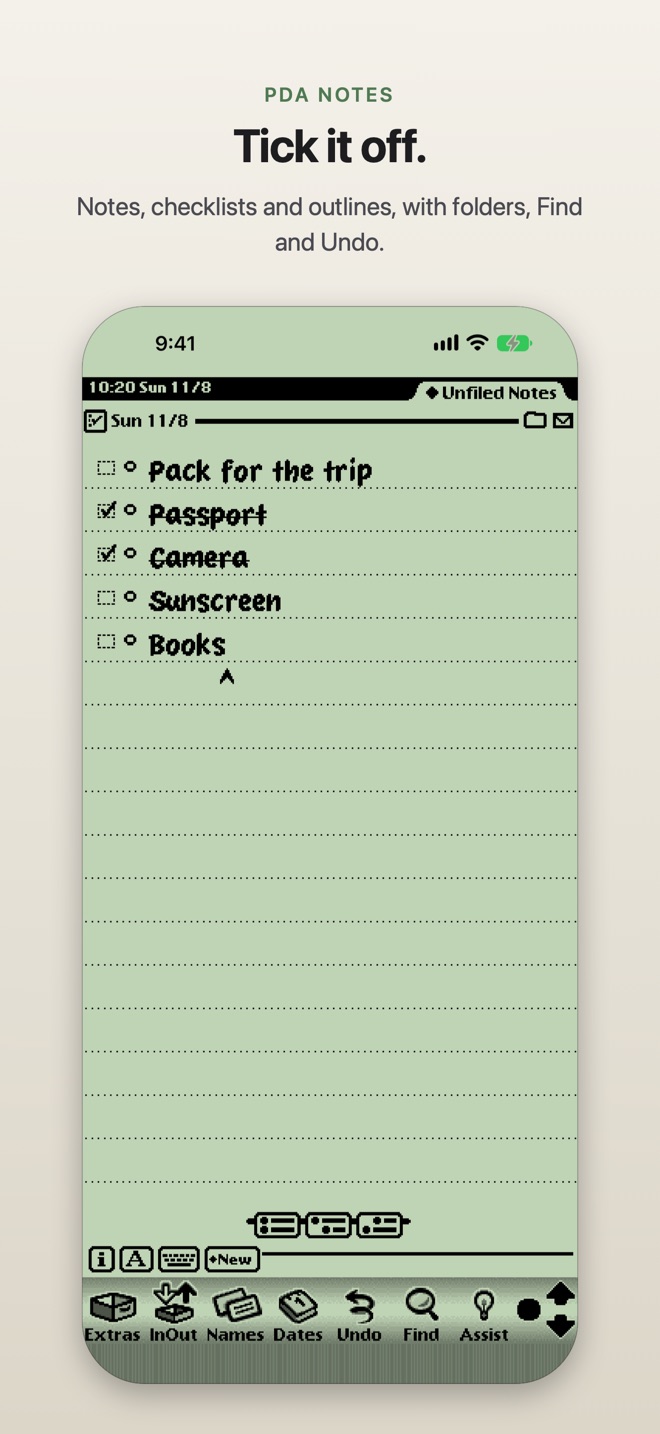
- Notes, checklists, outlines and a call log, with folders, Find, Undo and an overview of every note.
- Type with the iOS keyboard, the PDA’s own on-screen keyboard or a writing pad. On iPad, write straight onto the page with Scribble.
Names, Dates and To Do
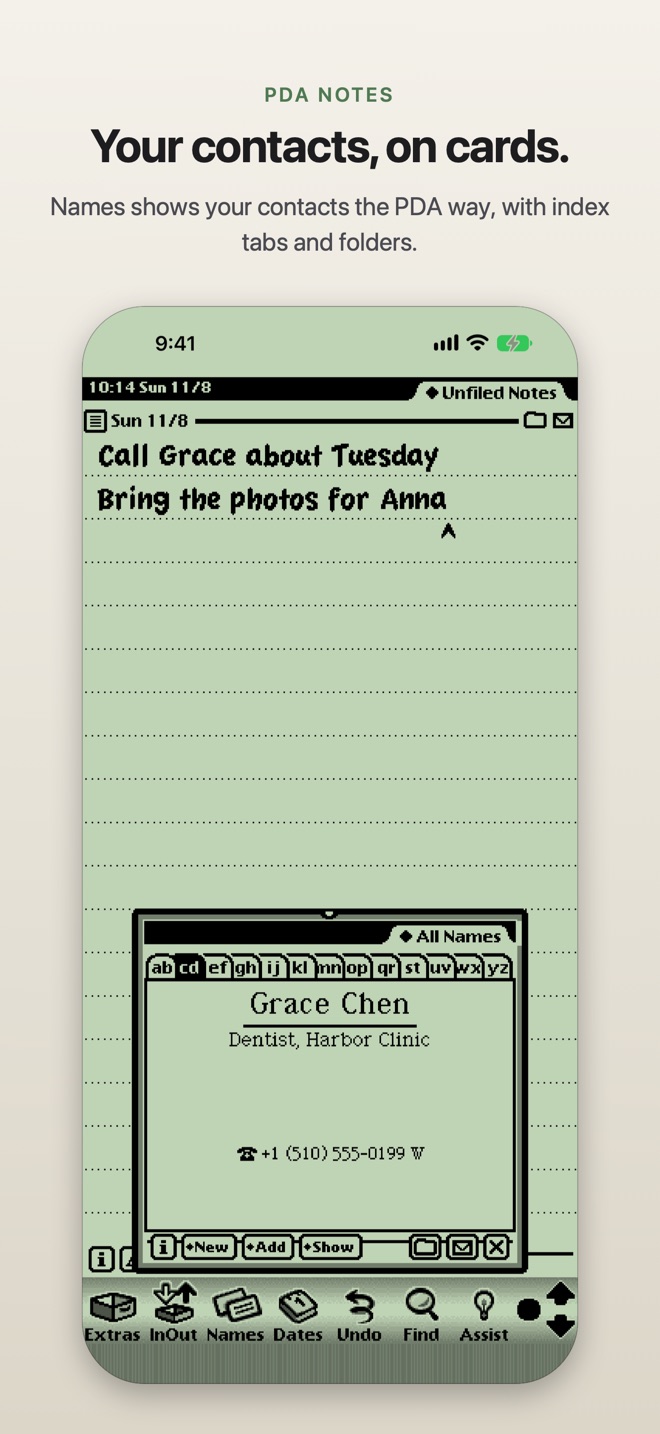
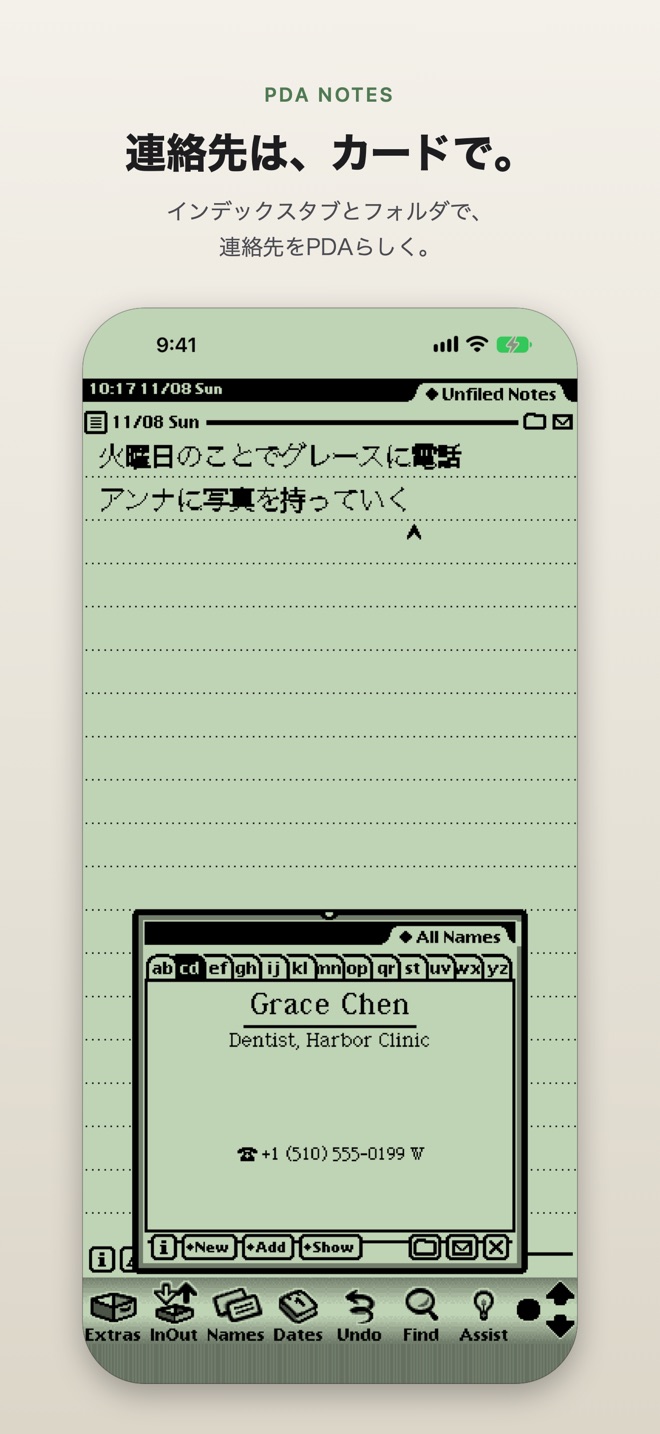
- Names shows your contacts as PDA cards, with index tabs, and folders from your contact groups.
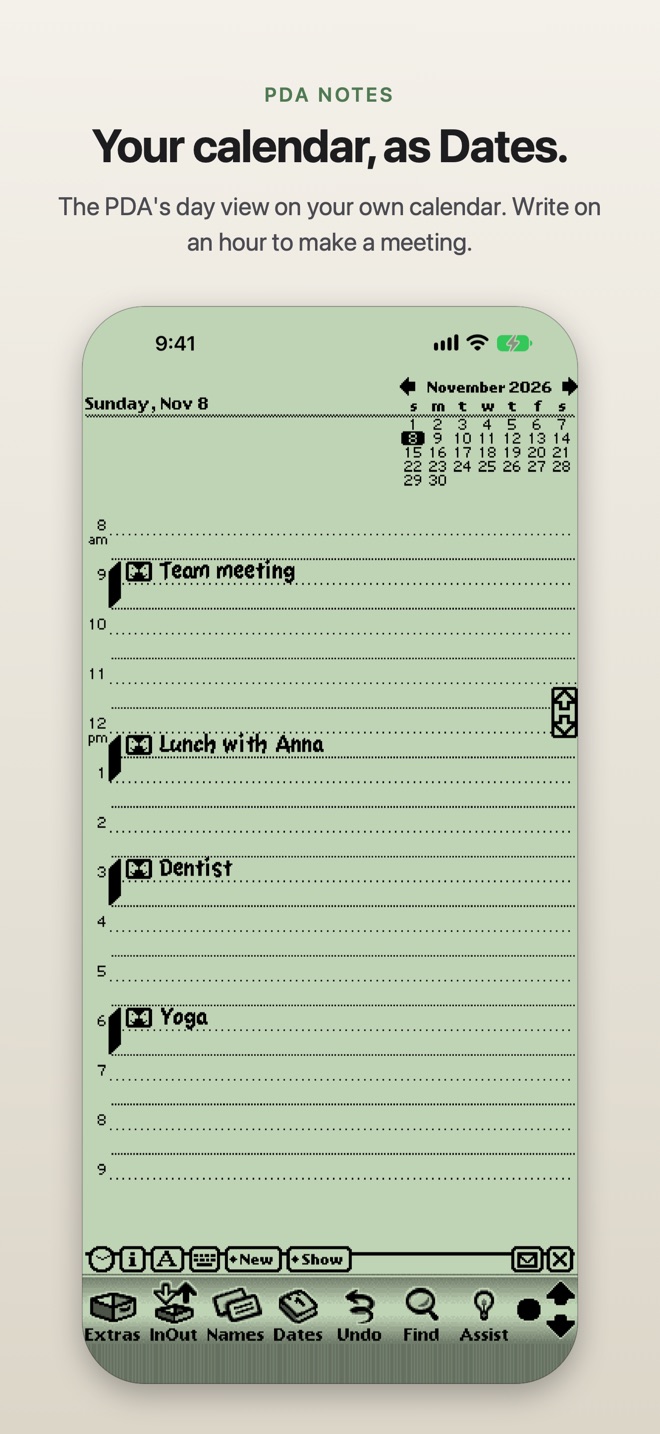
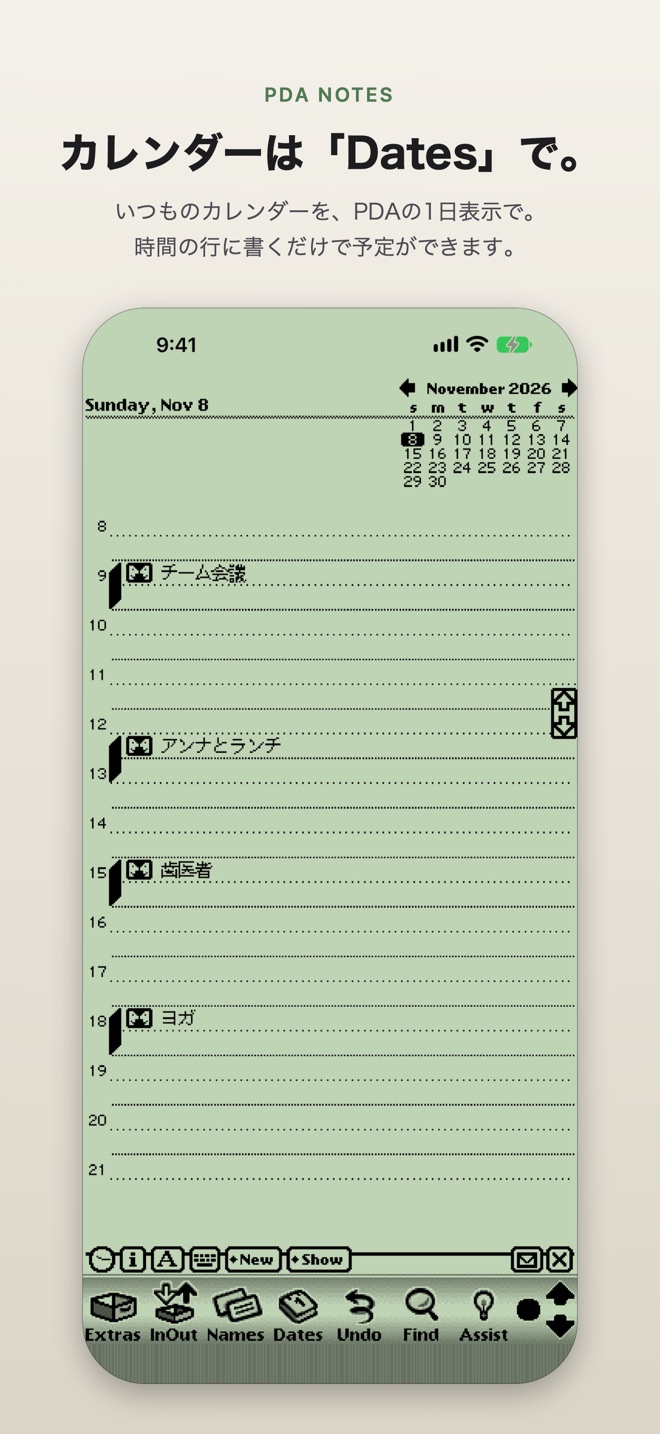
- Dates shows your calendar as the PDA’s day view. Write on an hour to make a meeting.
- To Do keeps your tasks in Reminders.
- Give a call a time with When: it goes on your calendar, with a notification just before.
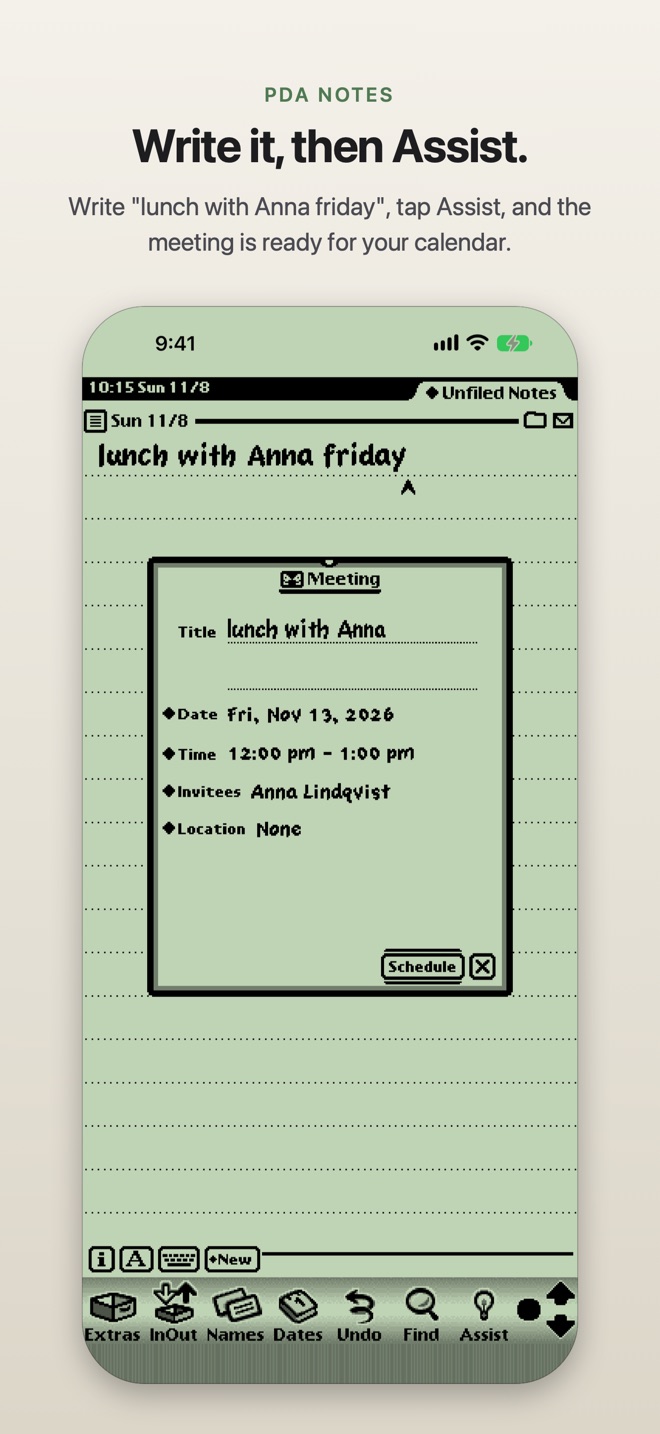
- Assist: write “lunch with Anna Friday”, tap Assist, and the meeting is scheduled. Assist understands English and Japanese.
- Siri and Shortcuts can make, add to, find, read and open notes, and ask Assist, in English or Japanese.
Share, print and fax
- Print a note, or send it as a PDF, as text or as a PDA note.
- Fax a note with the PDA’s own fax slip and cover page, through your account with an internet fax service: Phaxio, iFax, Documo or Fax.Plus. The service charges for each fax.
- Speak Text reads a note aloud.
- Send and receive notes over Bluetooth with another device running PDA Notes or Enfour PDA.
- Dock an original PDA over Ethernet or Wi-Fi to sync its notes with the app, both ways.
- Notes are kept in the same format as the Notes app in Enfour PDA for Mac, so they move between the two unchanged.
Make it yours
- Paper, Sage (the green backlit screen) or Dark display colours.
- Sharp high-resolution text and images, or the original pixels.
- A half-size screen, sounds on or off, and stylus-only writing.
- The Script Listener in Extras runs the PDA’s own scripting language on your notes.
Privacy
PDA Notes collects no data. Your notes stay on your device unless you send them. Names, Dates and To Do use your own Contacts, Calendar and Reminders, and ask before they read them. A fax goes only to the fax service you choose, under your own account, and its sign-in details stay in your device’s keychain. Read the privacy policy.
あのPDAの手書きメモを、もう一度
90年代のペンコンピュータのメモ帳。
当時のフォント・画像・サウンドのまま、ドット単位でiPhoneとiPadに。インクで書いて、こすって消す。Names・Dates・To Doは、いつもの連絡先とカレンダーで。
App Storeで入手iOS 17またはiPadOS 17以降のiPhone・iPadに対応。
あの書き心地
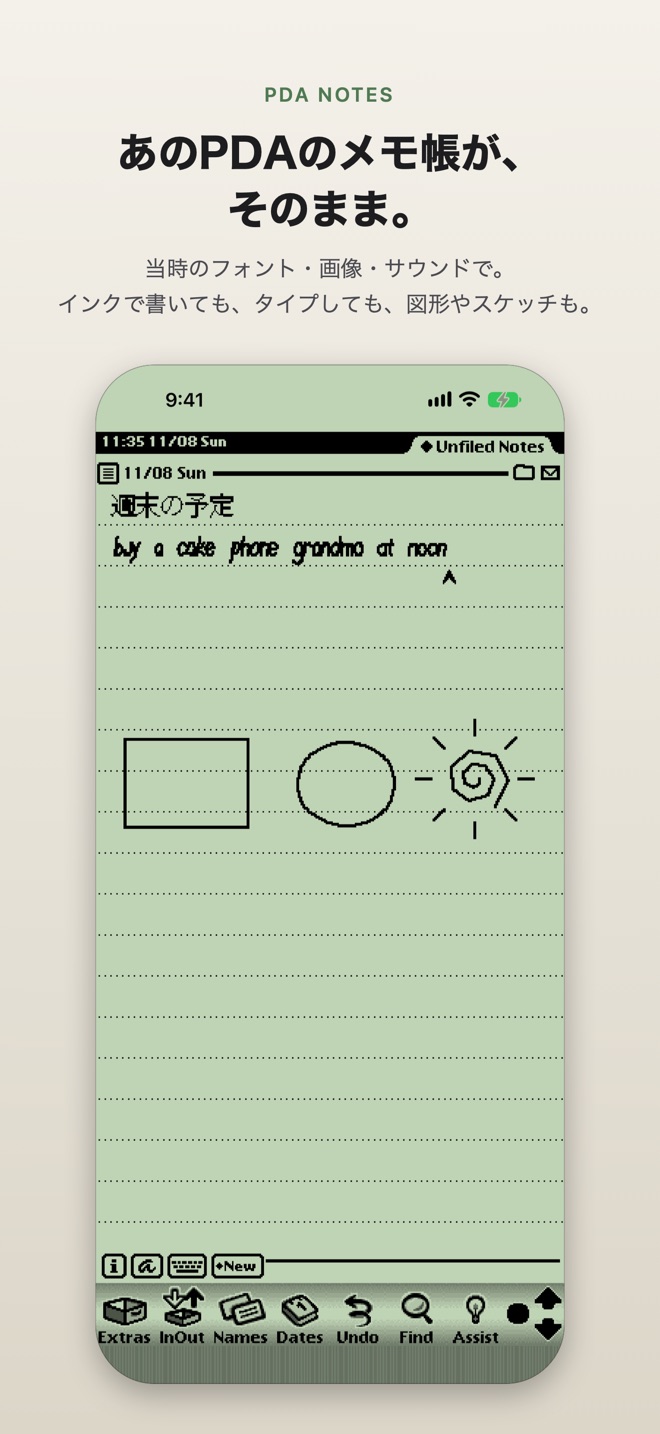
- 指やスタイラスで書けます。手書きを端末上でテキストにする「Text」、自分の筆跡を単語として残し文章のように折り返す「Ink Text」、線・四角・円をきれいに整える「Shapes」、そのまま描く「Sketches」から選べます。
- こすって消す、長押しで選んでドラッグ、横に線を引いて新しいメモ、キャレットをタップして句読点。
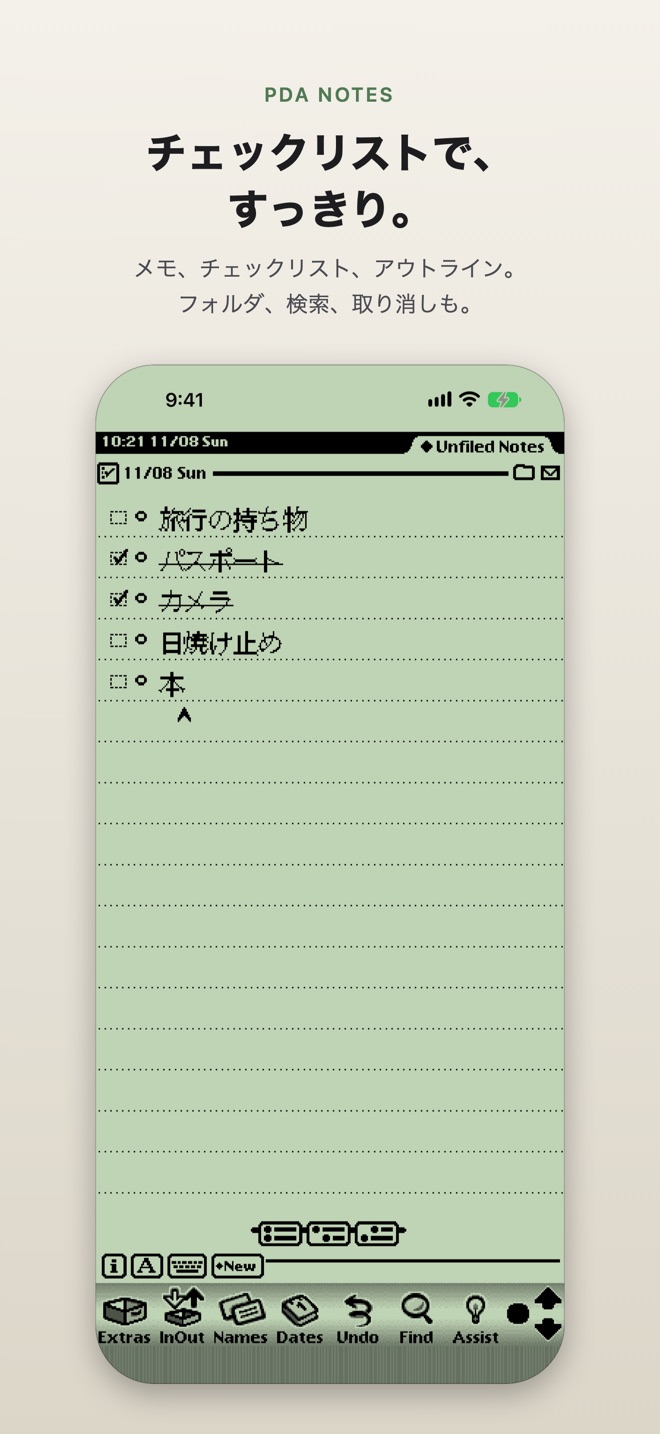
- メモ、チェックリスト、アウトライン、通話記録。フォルダ、検索、取り消し、一覧表示も。
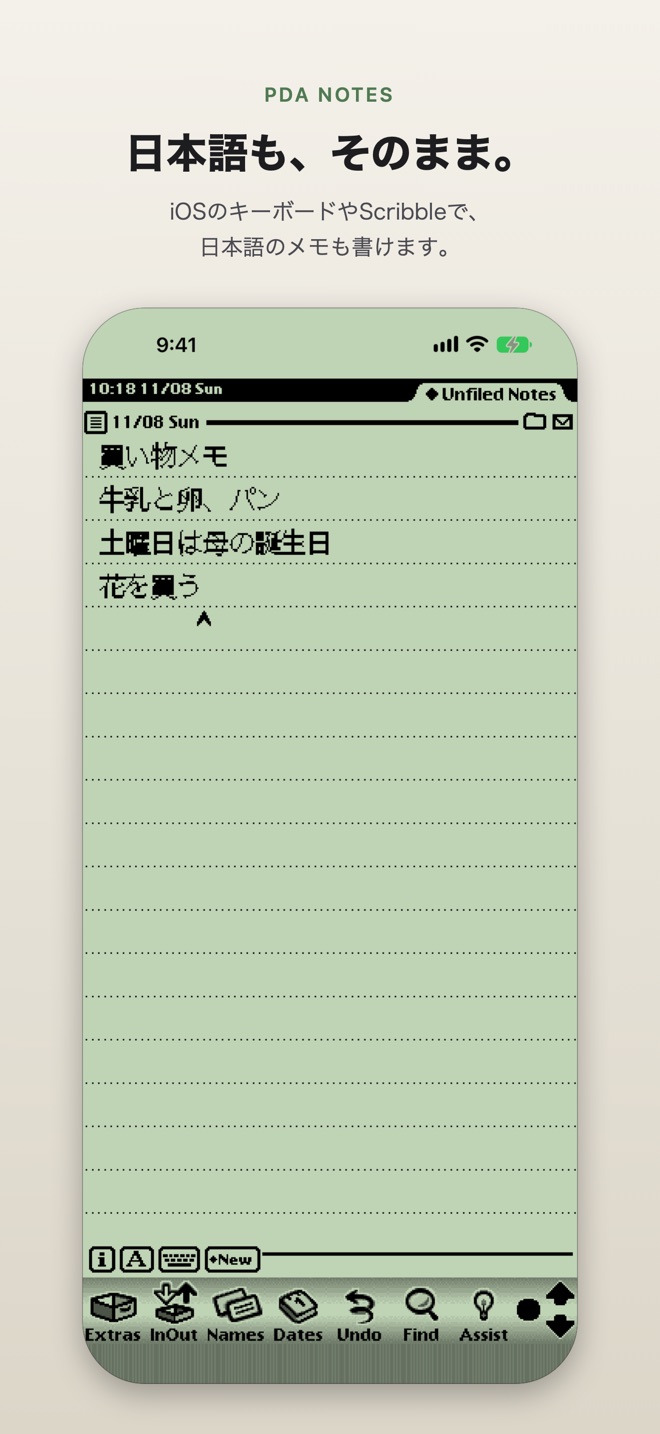
- iOSのキーボード、PDAの画面キーボード、手書きパッドで入力できます。iPadではScribbleでページに直接書けます。日本語はiOSのキーボードやScribbleで入力できます。
Names・Dates・To Do
- Namesは連絡先をPDAのカードで表示。インデックスタブ付きで、連絡先のグループがフォルダになります。
- DatesはカレンダーをPDAの1日表示で。時間の行に書くだけで予定ができます。
- To Doはタスクをリマインダーに保存します。
- 通話記録に「When」で時刻を入れると、カレンダーに入り、直前に通知でお知らせします。
- Assist:「金曜日にボブと渋谷でランチ」と書いてAssistをタップすると、予定が入ります。日本語と英語に対応。
- Siriとショートカットで、メモの作成・追記・検索・読み上げ・表示と、Assistへの依頼ができます(日本語・英語)。
共有・印刷・FAX
- メモを印刷したり、PDF・テキスト・PDAのメモとして送れます。
- PDAのFAX送信票と送付状のまま、メモをFAXできます。ご自分のインターネットFAXサービス(Phaxio、iFax、Documo、Fax.Plus)のアカウントを使い、料金はサービスから請求されます。
- 「Speak Text」でメモを読み上げます。
- Bluetoothで、PDA NotesやEnfour PDAが動くほかの機器とメモを送受信できます。
- 当時のPDAとイーサネットやWi-Fiでドッキングして、メモを双方向に同期できます。
- メモはMac用Enfour PDAのNotesと同じ形式で保存されるので、そのまま行き来できます。
好みに合わせて
- 表示色はPaper、Sage(緑のバックライト画面)、Darkから。
- くっきりした高解像度の文字と画像、または当時のドットのままで。
- 半分サイズの画面、サウンドのオン・オフ、スタイラスだけで書く設定も。
- Extrasの「Script Listener」で、PDAのスクリプト言語をメモに対して実行できます。
プライバシー
PDA Notesはデータを収集しません。メモは、送らない限り端末の中にだけ保存されます。Names・Dates・To Doはお使いの連絡先・カレンダー・リマインダーを使い、読み取る前に許可を求めます。FAXはご自分のアカウントで選んだFAXサービスにだけ送られ、そのログイン情報は端末のキーチェーンに保存されます。プライバシーポリシーを読む